Cook what
you save.
That recipe you keep coming back to?
Make it dinner.
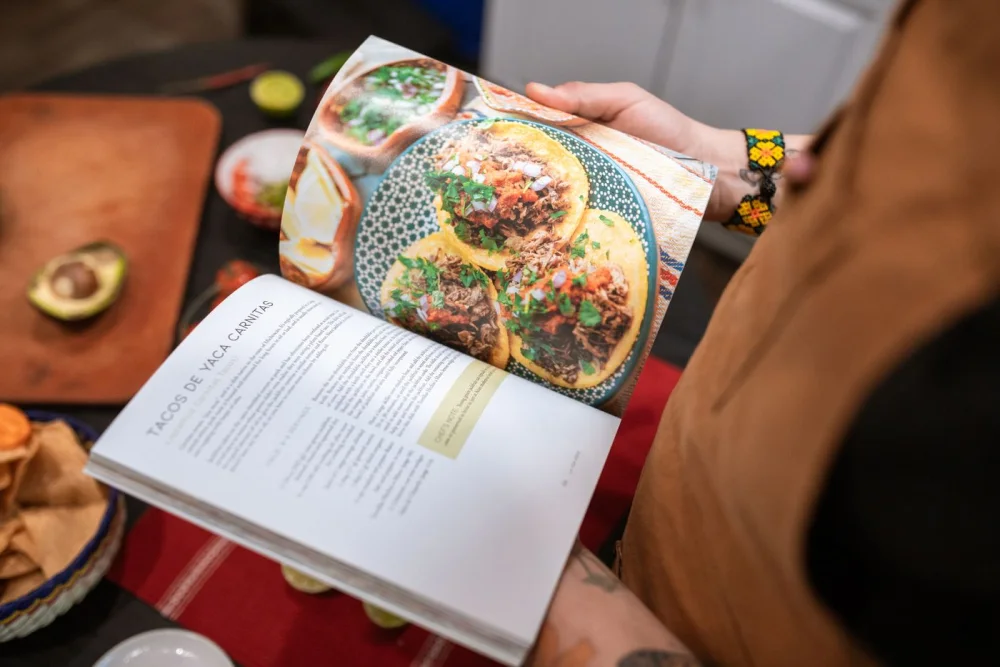
Share a cooking reel, paste a recipe link or photograph a cookbook page. Savour turns it into a recipe you can check, plan and cook.
iPhone · iOS 17+ · Invitations through TestFlight
You have great taste.
Your saved folder proves it.
Pick one you’ve been meaning to make. Savour helps you
work out what to buy and what to do.
From “that looks good”
to “I made that.”
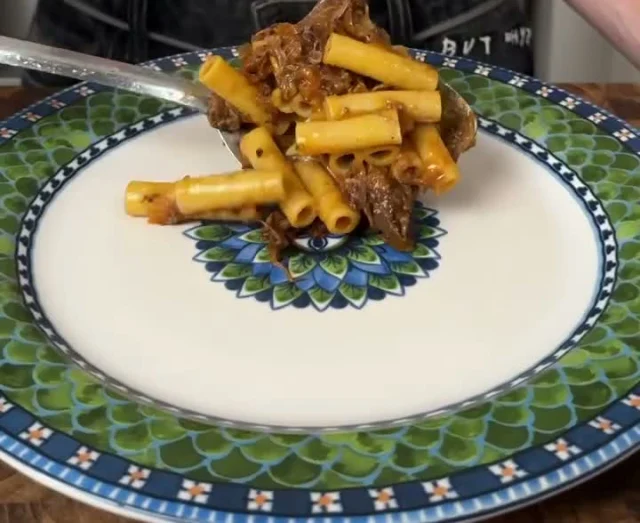
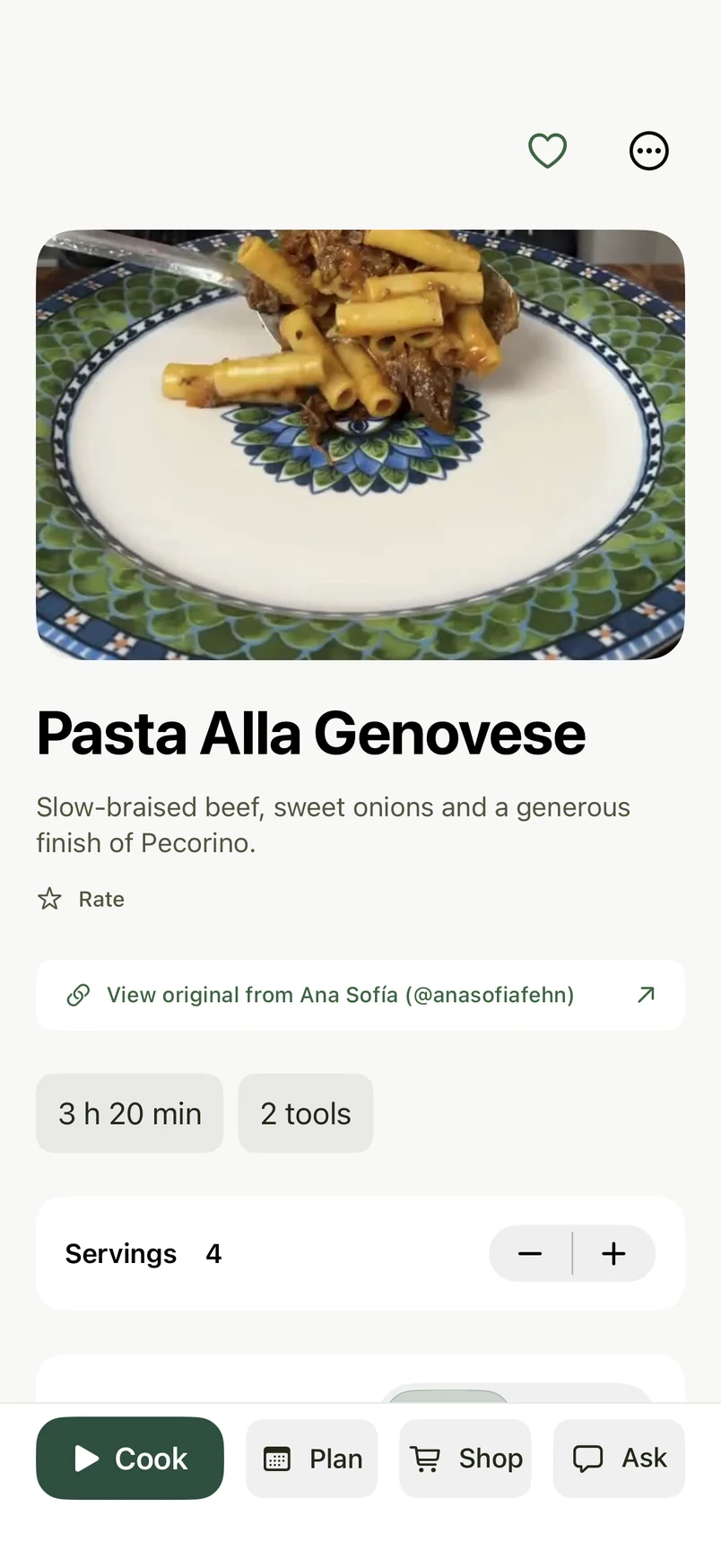
Watch a saved reel become a recipe you can cook from.
Example recipes shown after review.
 Save to Savour
Then open Savour to review your recipe.
Example share menu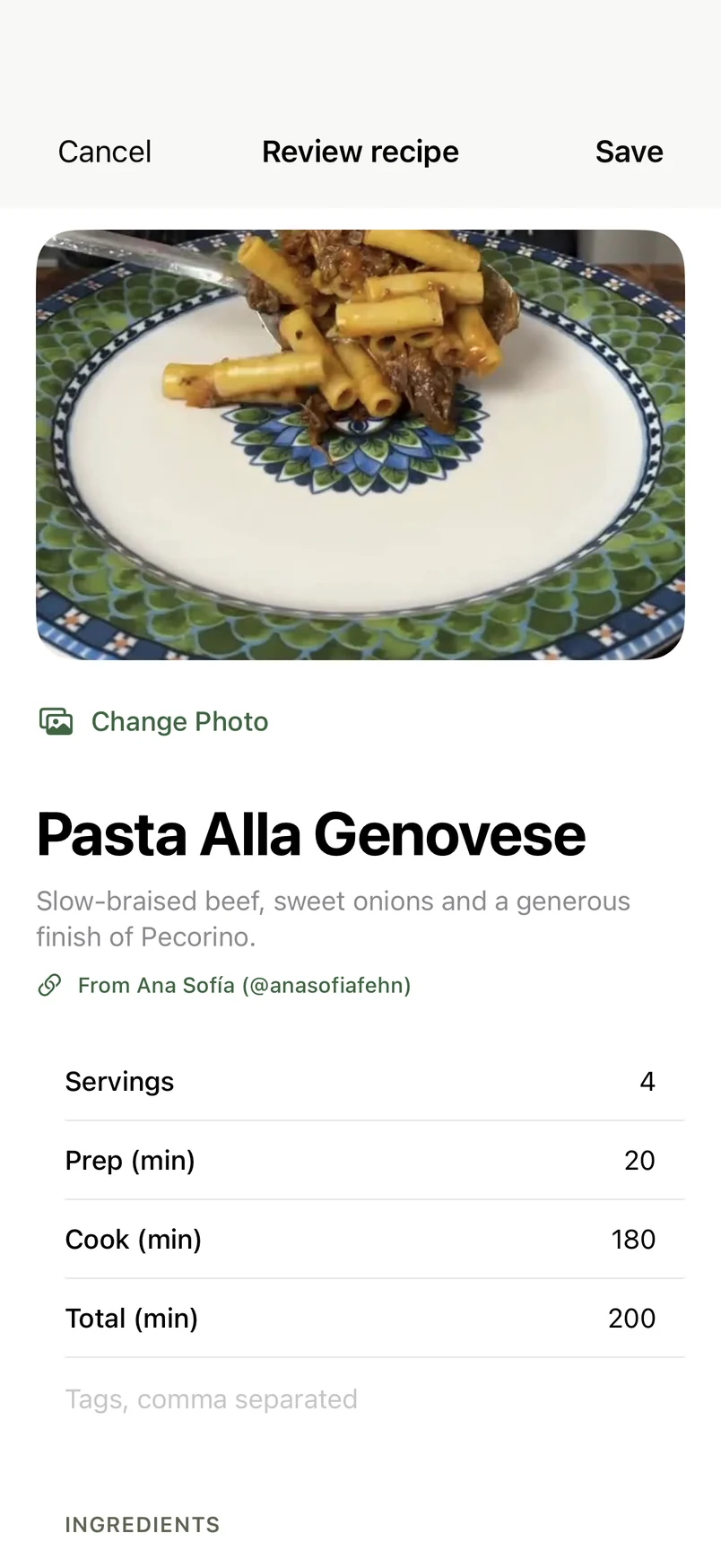
Your recipes,
all in one place.
Bring your saved reels, recipe links and cookbook pages into one library. You can add recipes you’ve written down, too.
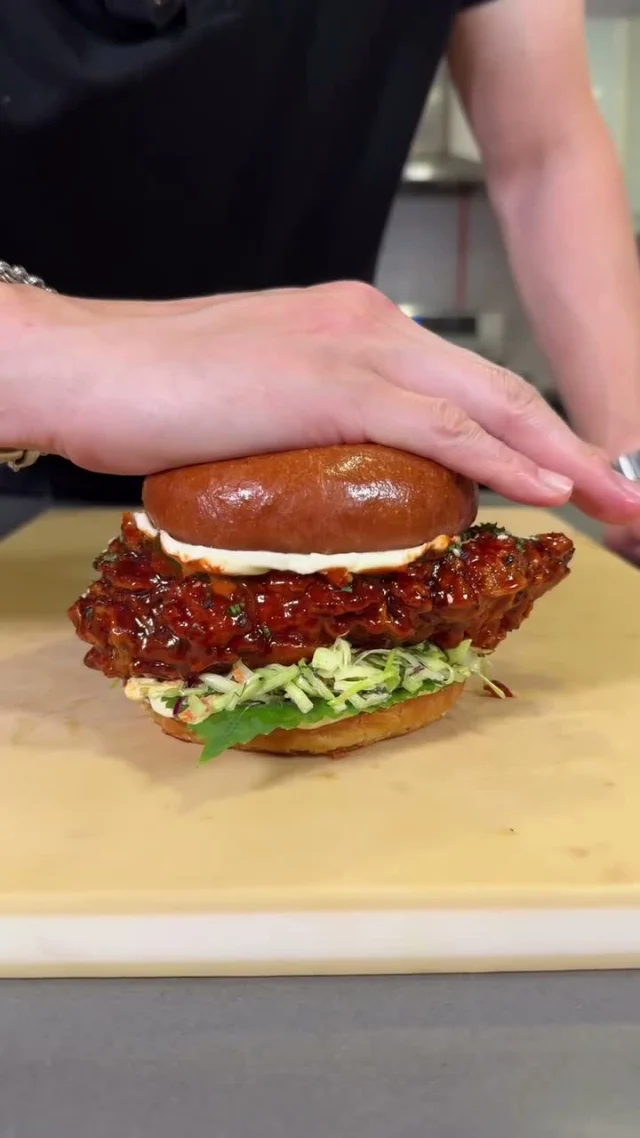 Cooking reel

& silky orzo
Cook without
rewinding.
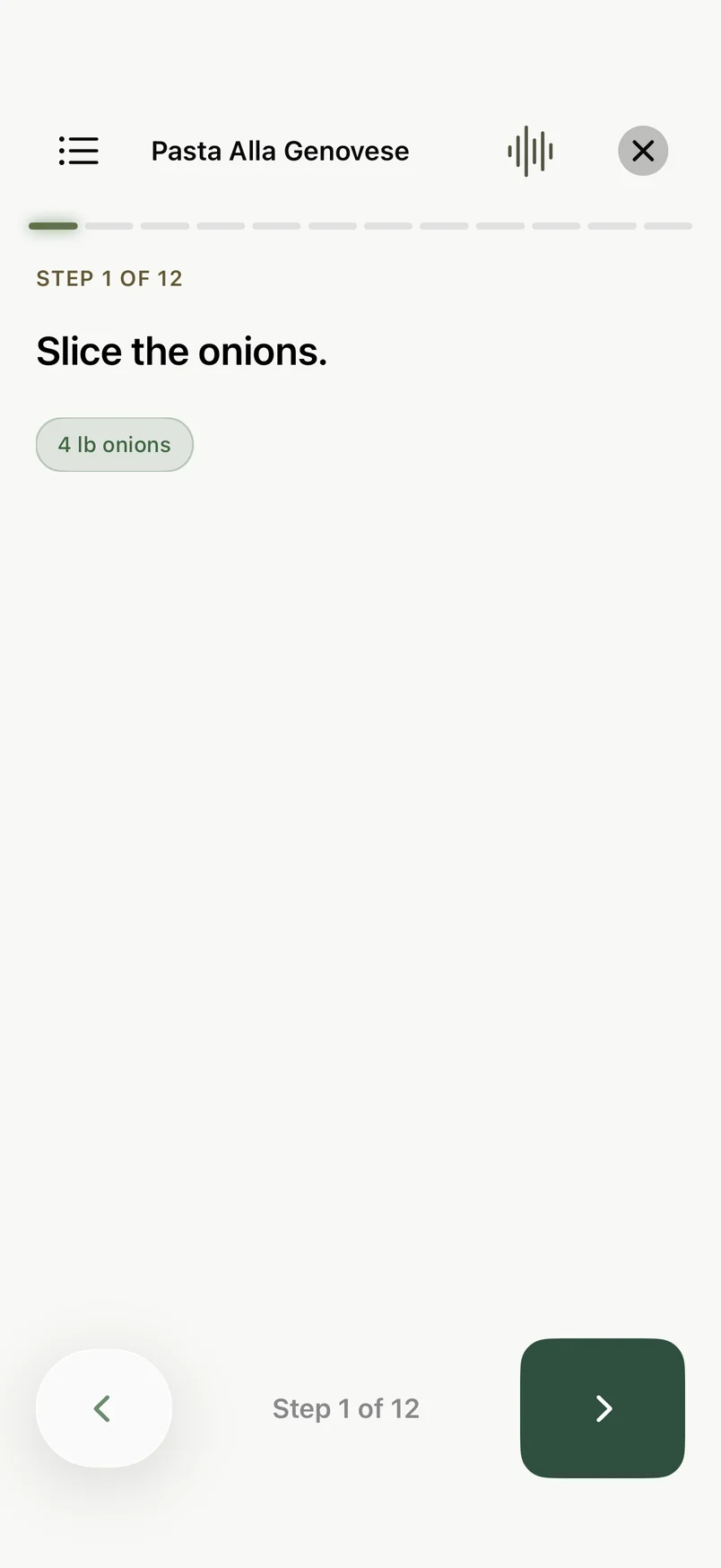
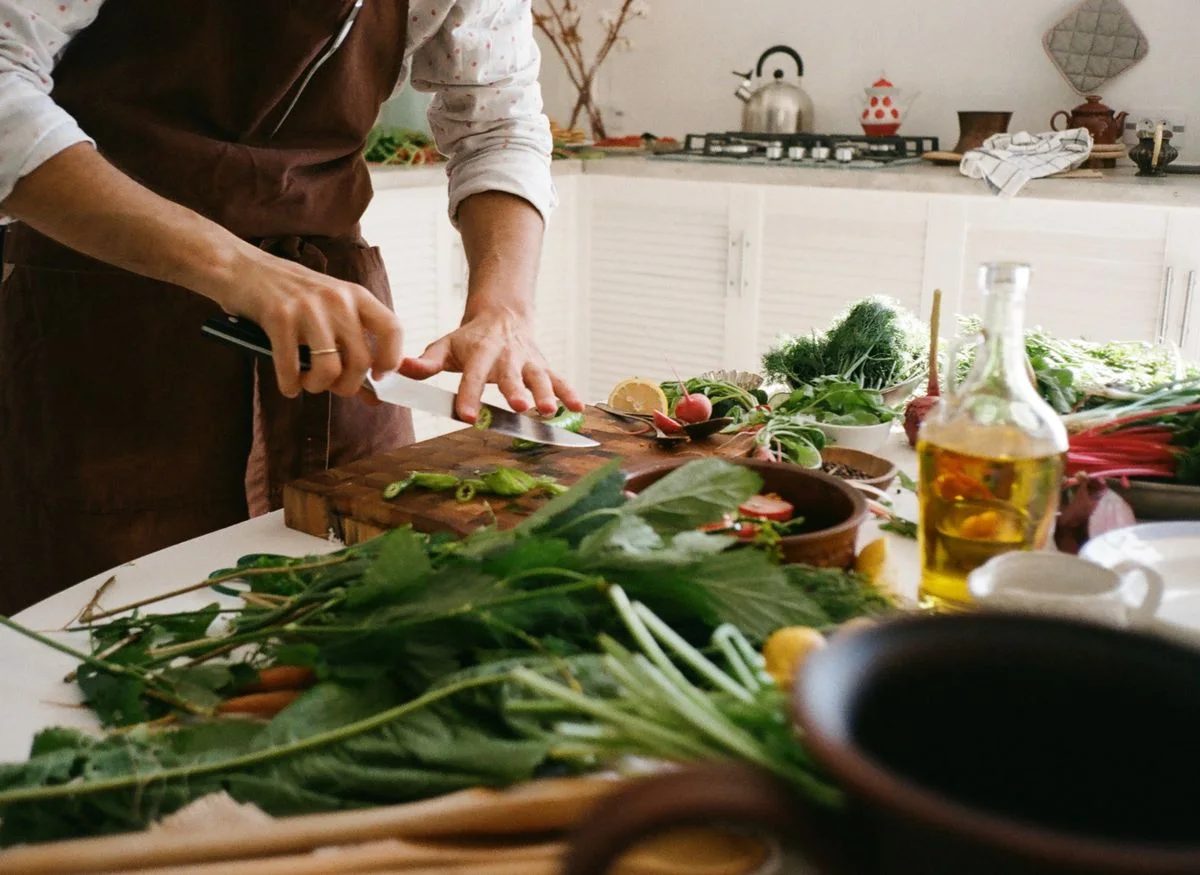
Put your phone on the counter and follow along. Your recipe stays open one step at a time, with timers when you need them.
See the current instruction and its ingredient amounts together.
Change the servings to match how many people you’re cooking for. Ask Savour to adapt a recipe for your household, then review the changes.
Ask Sous Chef about the recipe when you get stuck. Type your question, or use voice where available.
A photo.
A recipe to try.
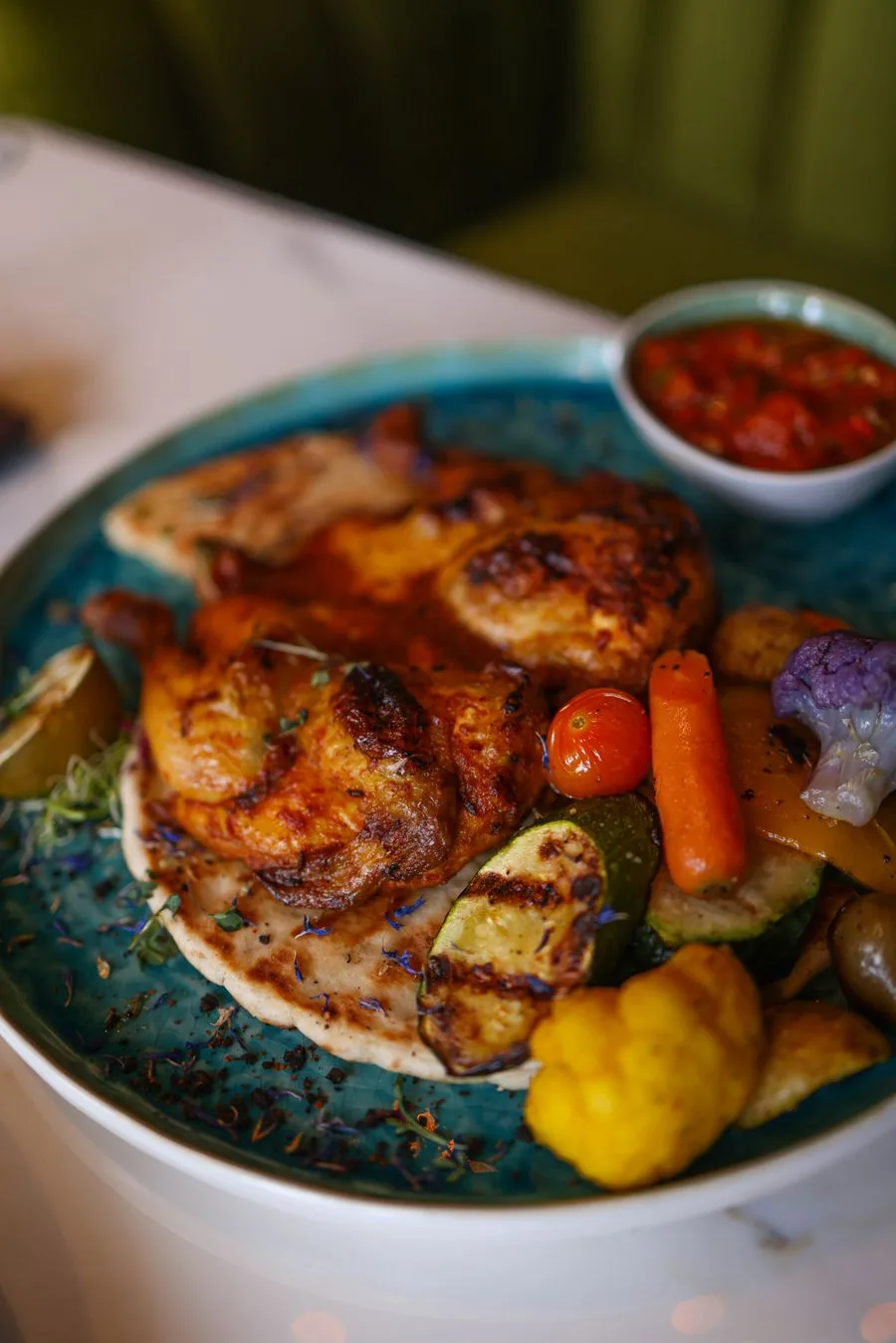
Have a photo of a dish you’d love to make at home? Savour can suggest a recipe based on what it sees.
Make it your own.
Check the ingredients and amounts, adjust the steps, then save it to cook at home.
AI creates a starting point, not the original cook’s recipe. Ingredients and amounts need your review.
Request beta access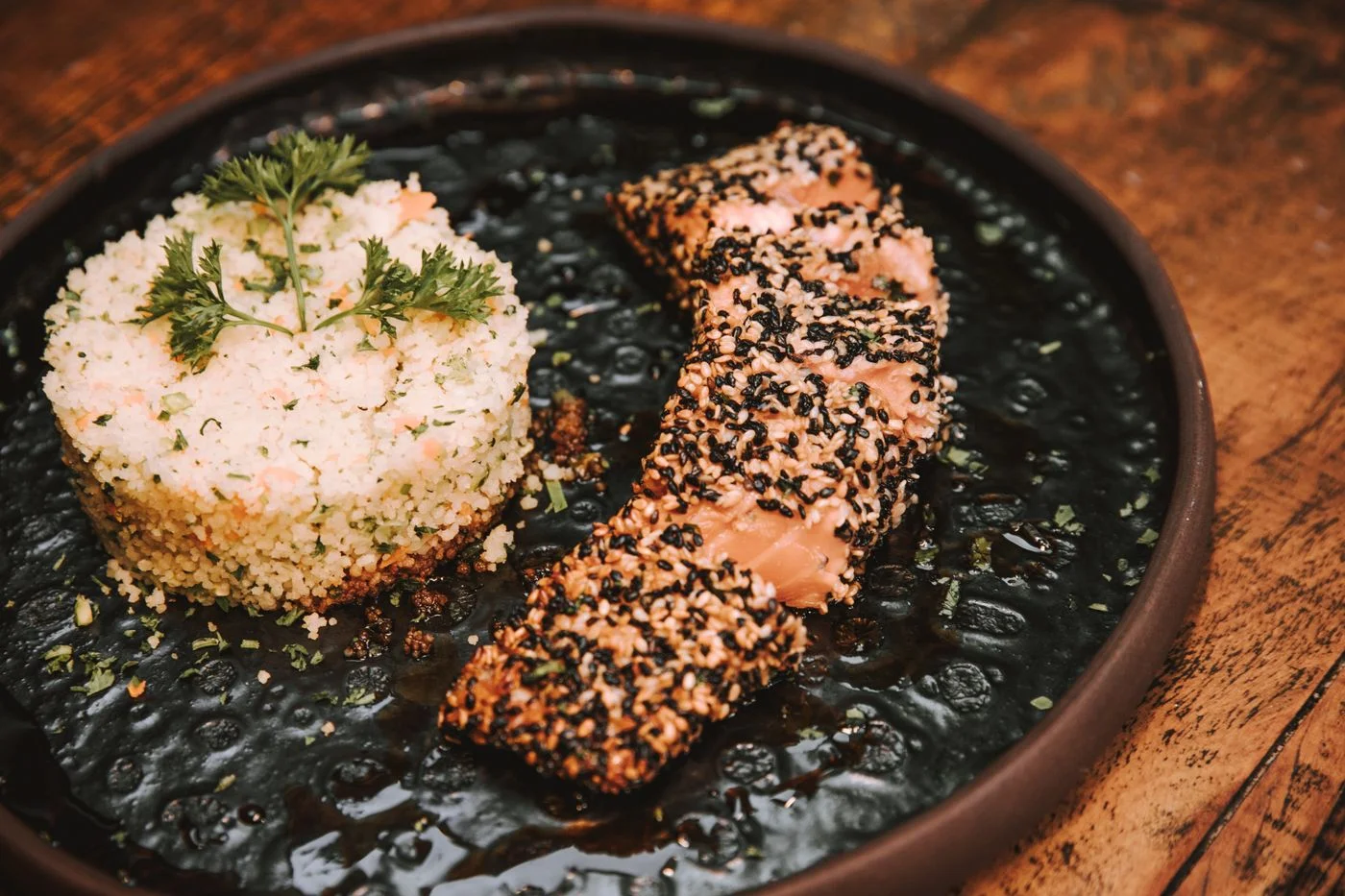
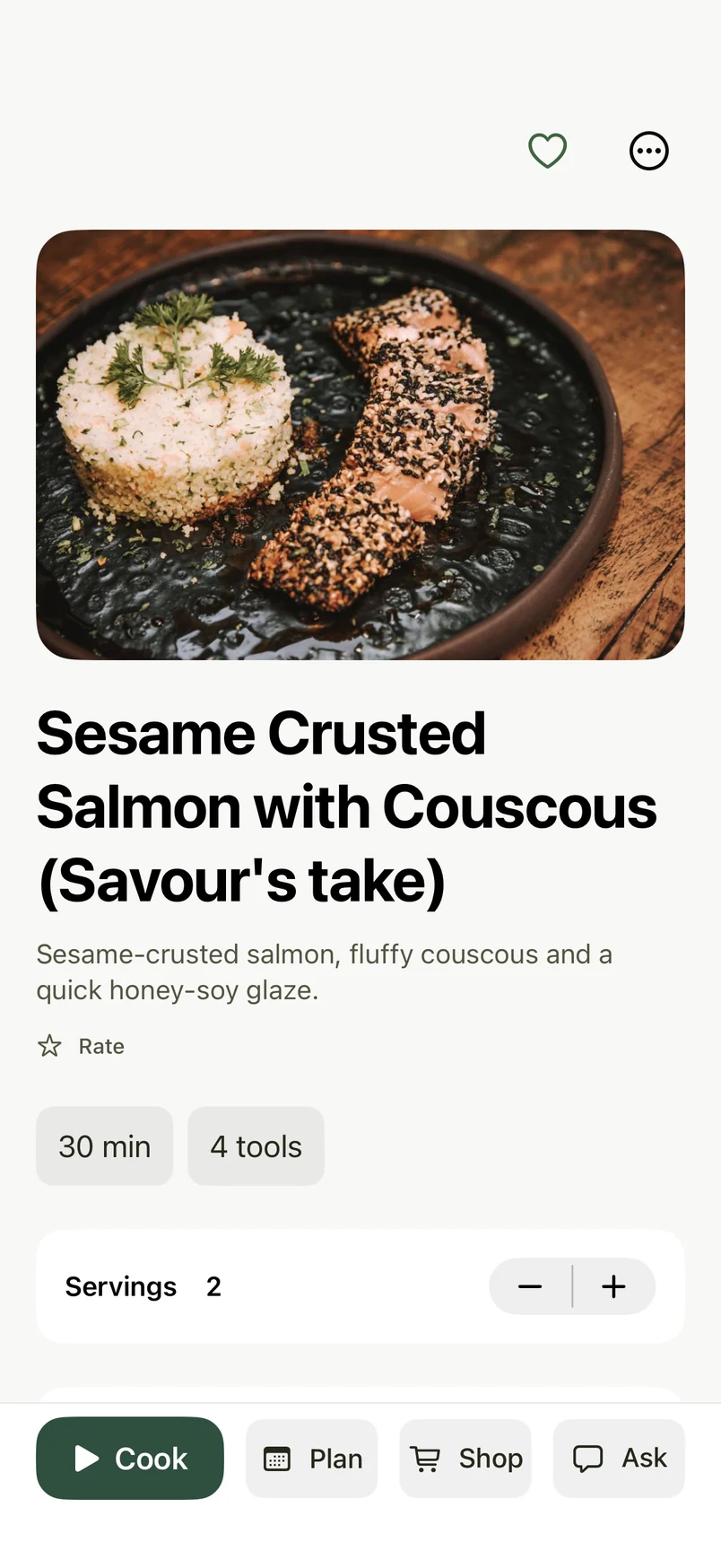
Know what came
from the source.
The original creator stays linked. Savour marks estimated details so you can check them before you cook.
Know what
you’re eating.
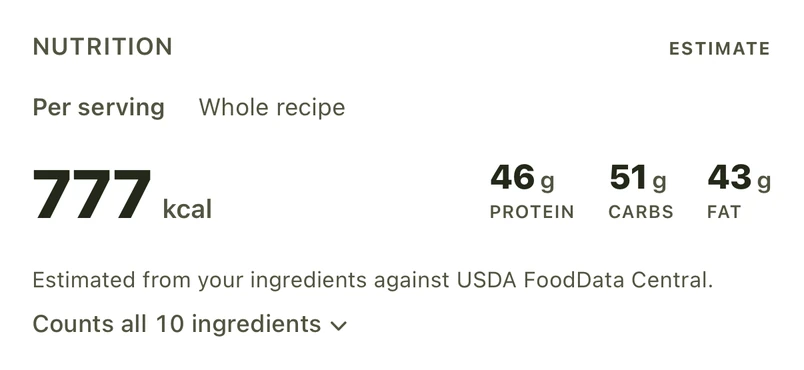
See estimated calories, protein, carbs and fat before you plan dinner. Choose meals with your nutrition goals in mind.
- Per serving or whole recipe
- Check the nutrition for your portion, or see what the full recipe adds up to.
- See where the numbers come from
- Open the ingredient breakdown to see what’s counted. Change a food match if it doesn’t reflect the ingredient you’re using.
Nutrition figures are estimates based on ingredient amounts and food matches.
See meal planning
Sesame-crusted salmon & couscous
Plan dinner.
See how it adds up.
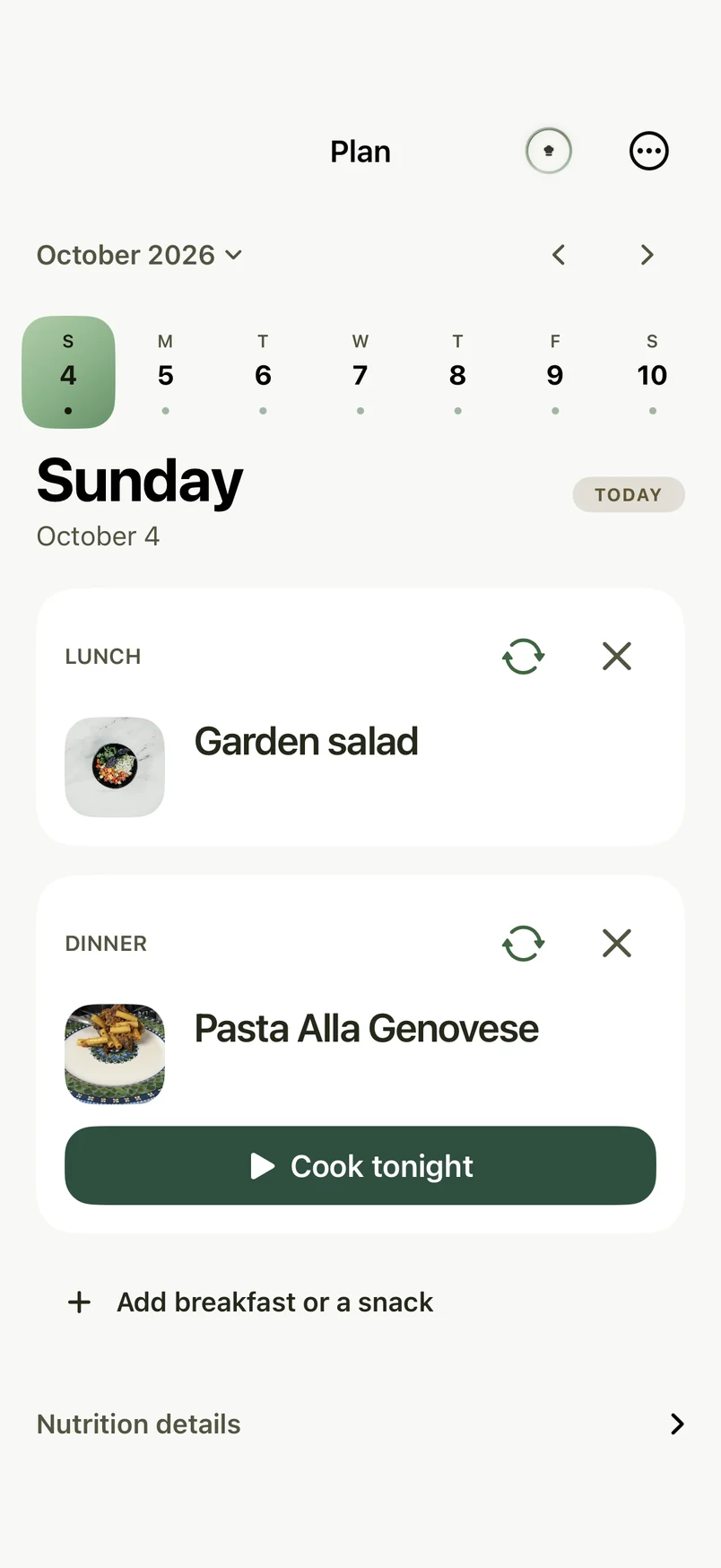
Choose meals from your saved recipes and see their estimated nutrition across the week. Your plan becomes a grocery list, so you know what to buy.
Put your saved recipes on the plan.
Pick a day for each meal and check the estimated calories, protein, carbs and fat. Adjust the plan to suit your week.
Take your list with you. Print it, copy it, or send it to Reminders.
Your recipes.
Always yours.
Back up your recipes and photos, then restore them on another iPhone when you need to.
Backups stay free, even after a subscription expires.
Good to know.
Does the beta cost anything?
The beta is free to test. You won’t be charged for subscription purchases you try in TestFlight. These test purchases won’t carry over to the App Store release.
Will I need a subscription at launch?
You can bring in your first recipe during setup. After that, a monthly or annual Savour subscription opens new imports, Sous Chef, new meal plans and grocery lists. You can keep reading, cooking, scaling and exporting saved recipes after a subscription expires. The price for your region will appear in the app before you subscribe. There is no introductory free trial.
When can I try Savour?
Request access below. We’ll email a TestFlight invitation and setup instructions when a place is available. This is an invitation request; it doesn’t install the app or guarantee a date.
Where can I bring recipes from?
Supported recipe websites, TikTok and Instagram reels, cookbook photos, and pasted text. Imports depend on the source and platform. If one doesn’t work, you can paste or enter the recipe instead. English recipes are supported most reliably today.
Does Savour work on my phone?
Savour is made for iPhone running iOS 17 or later. The beta uses Apple’s TestFlight app. There isn’t an iPad or Mac version at the moment.
Can I move my recipes to another phone?
Yes. Save a backup of your recipes and photos, then open it in Savour on your other phone. Your library lives on your device. Automatic sync between devices isn’t available.
Are imported recipes ready to cook?
Review the ingredients, amounts, servings, and instructions first. Savour highlights estimates and details that need a second look. Check dietary adaptations and food-safety details yourself before cooking.
Try it with
your saved recipes.
Bring a reel you’ve been meaning to cook. Request access to the free iPhone beta and help us make Savour better.
We’ll email an invitation and setup steps when a place is available. No charge for TestFlight testing. How we use your email.
Email the Savour team